
How to play
How to play CRE Tycoon
One career, 120 months, a few minutes at a time. Here's what a career looks like, in screenshots from the game.
1 · Day one
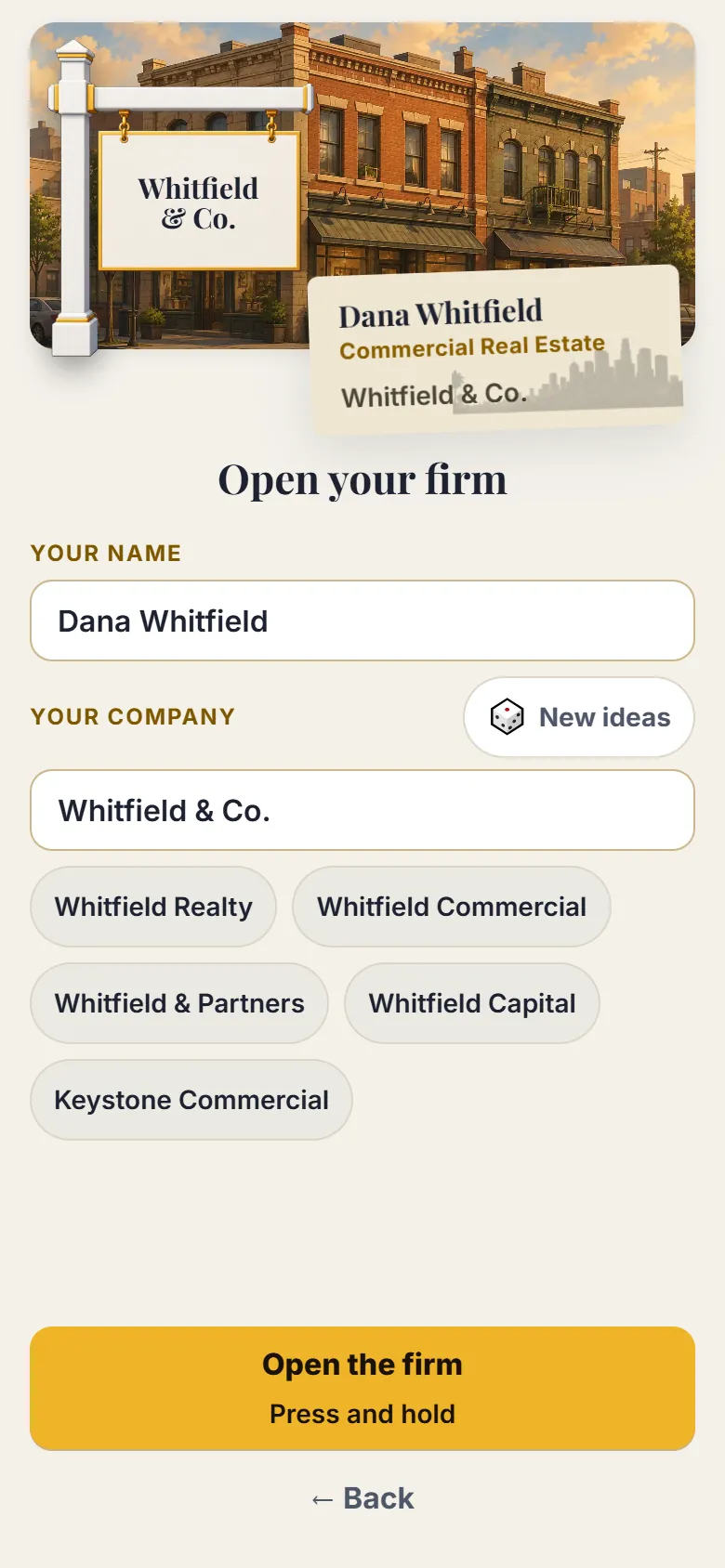
Open your firm
Name yourself and your company. Pick a suggestion, roll the dice for a new one, or type your own, and the sign goes up as you type. Hold to open the firm. You start with $100,000 and a few actions a month.
Your first month comes with a light tour that points at the next thing to do.
2 · Pipeline
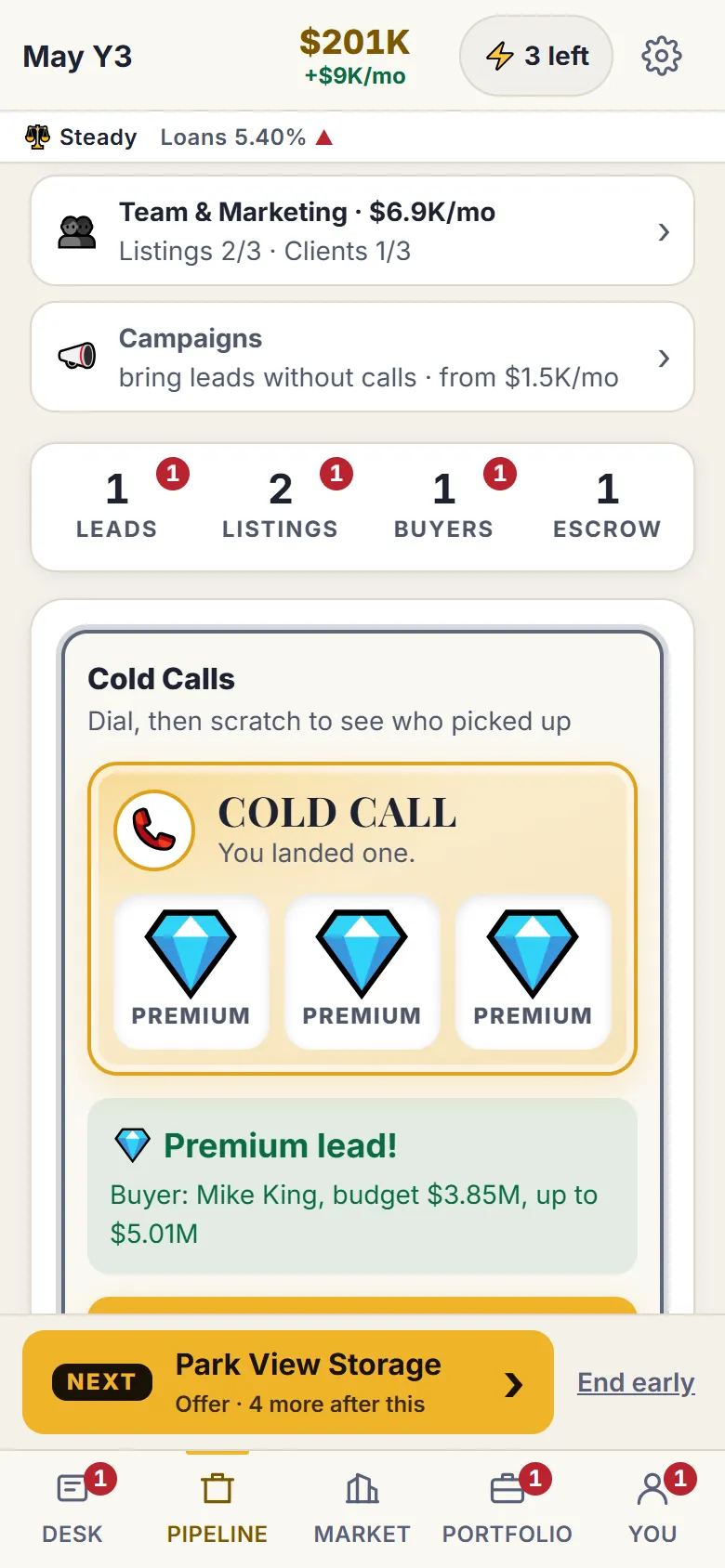
Find clients
Prospecting is on the Pipeline tab. At first only Cold Calls is open: each call is a scratch-off ticket, and most are misses. Lunch Meetings open after you close 3 deals, Networking Galas once you own 2 buildings, and the VIP Room at Mogul.
A hit is a lead: a buyer who wants a building, or a seller who wants you to list theirs. A 💎 premium lead is a bigger one. From Midtown on, the paid tables can turn up a 🐋 whale, at most one a year.
3 · Clients
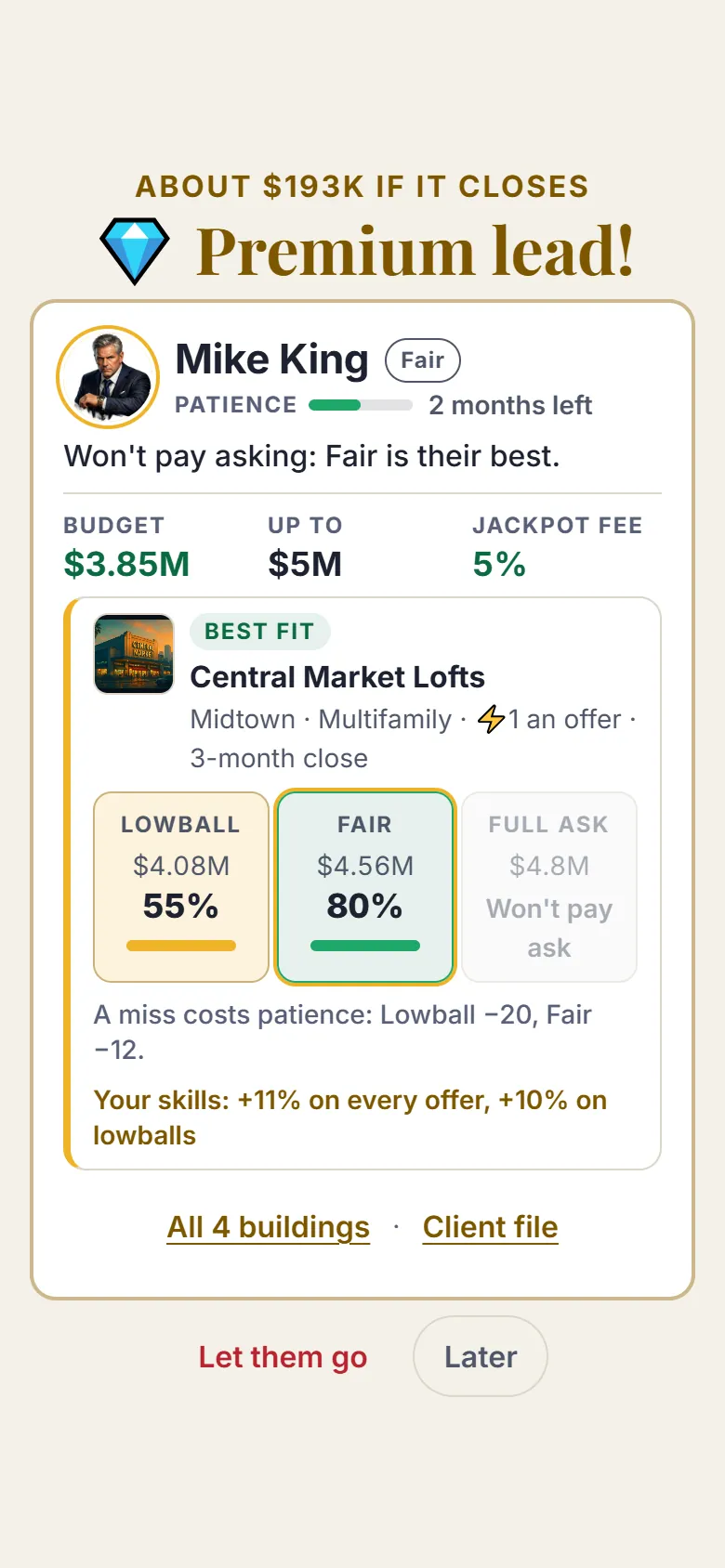
Make the offer
A buyer client's card shows the building that fits them best. Pick a rung: Lowball at 85% of asking, Fair at 95%, or Full ask. Every rung shows its odds. Full ask always lands, but it costs your client a little patience, and a miss costs more.
Some clients are keen, some firm, and some will only ever lowball: their stance caps how high they will go. A listing client is the other side: pitch them, pick a marketing plan, and answer the offers that come in.
4 · Escrow
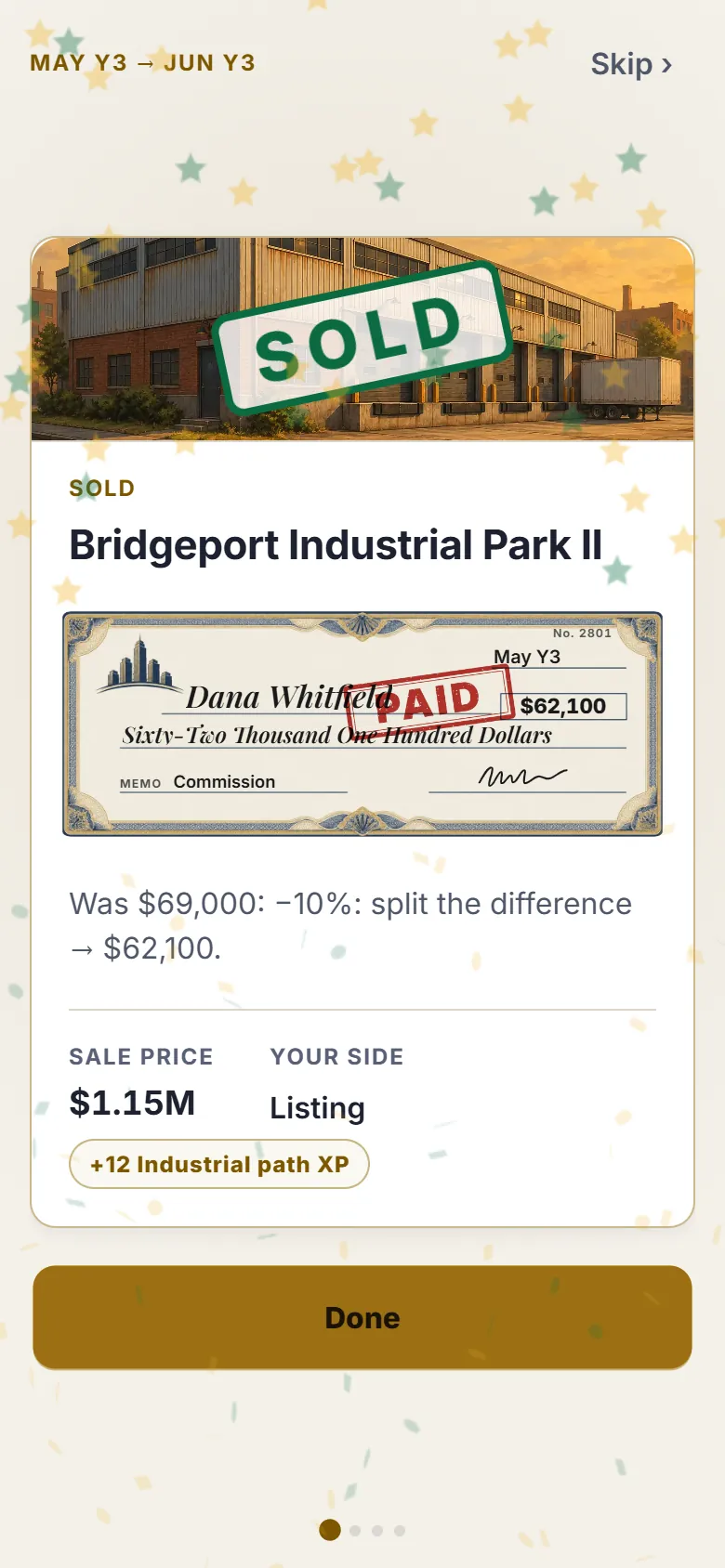
Cash the cheque
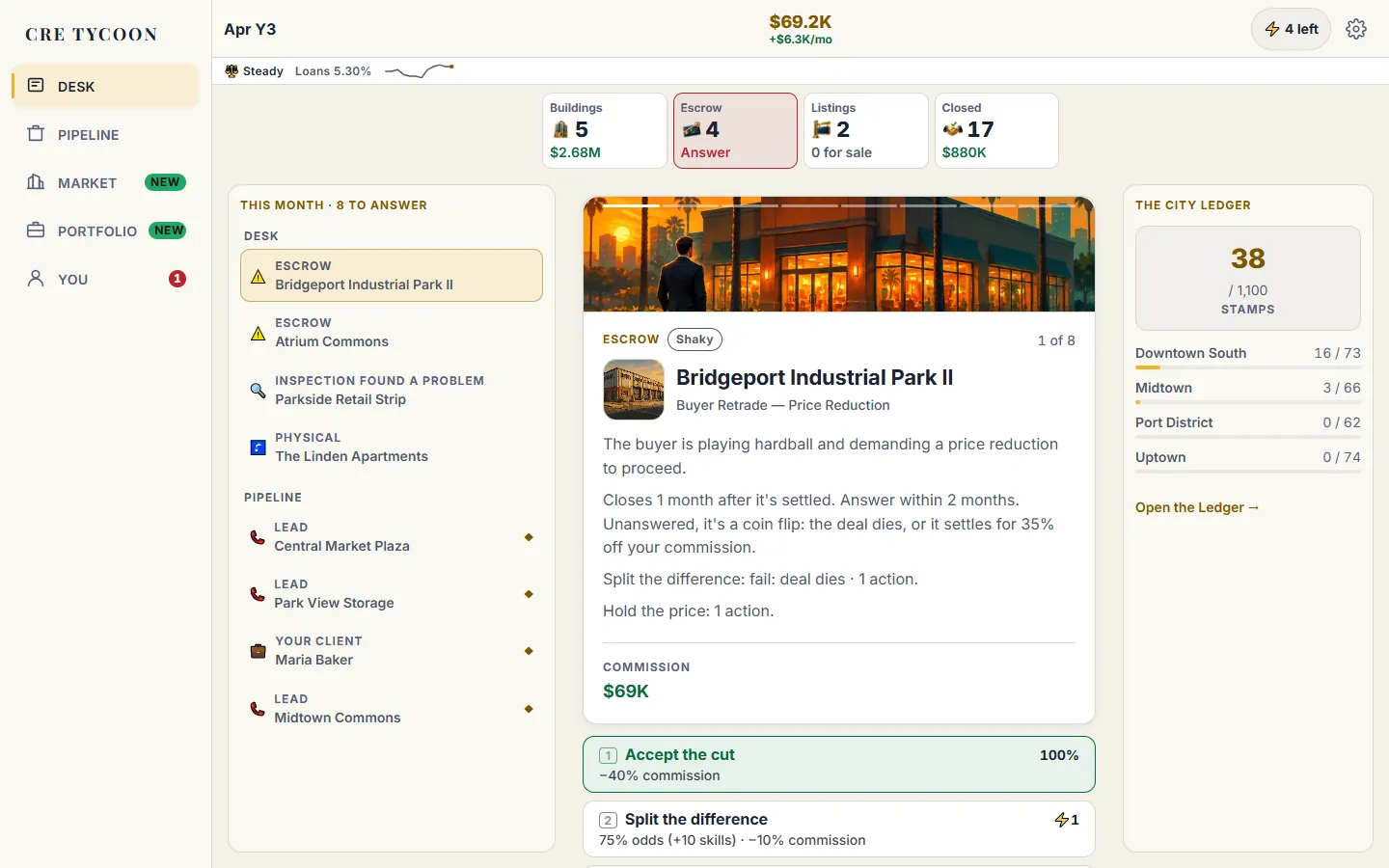
An accepted offer goes into escrow: a quick one, a standard one or a long one. Escrow can go wrong. A lender gets cold feet, an inspection finds a problem, a buyer tries to renegotiate, and you pick how to save the deal.
When it closes, the commission arrives at month end as a cheque made out to you. Hold to deposit it.
5 · Market
Buy your first building
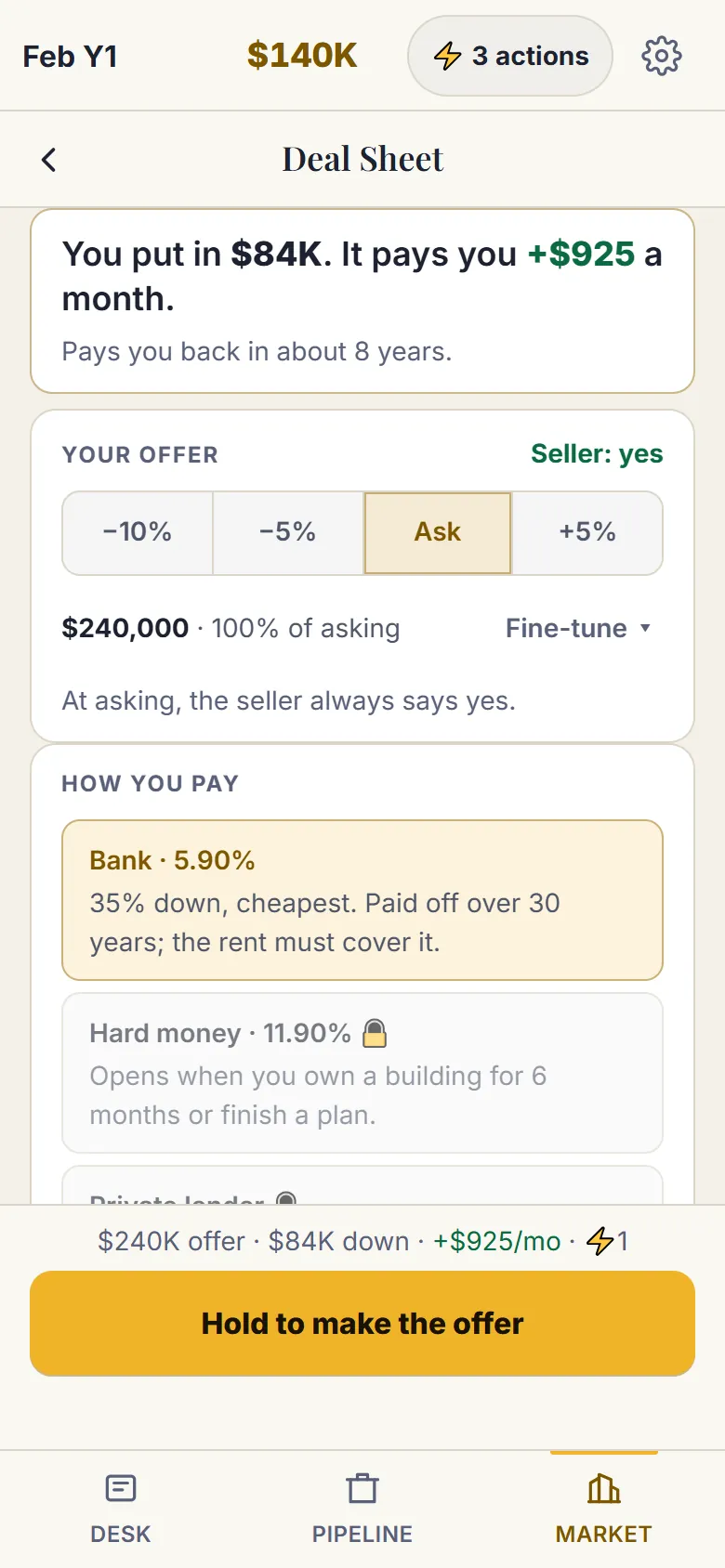
Your first commission opens the Market: 275 buildings across 4 districts, from Downtown South to Uptown.
Open one and the Deal Sheet answers three questions: what you put in, what it pays you a month, and what the seller will probably say. Your first offer starts at the asking price. Pick a loan, then hold to make the offer. The bank checks that the rent covers the loan, and if a deal loses money every month the game asks you to confirm. The keys come at month end.
6 · Portfolio
Run it up
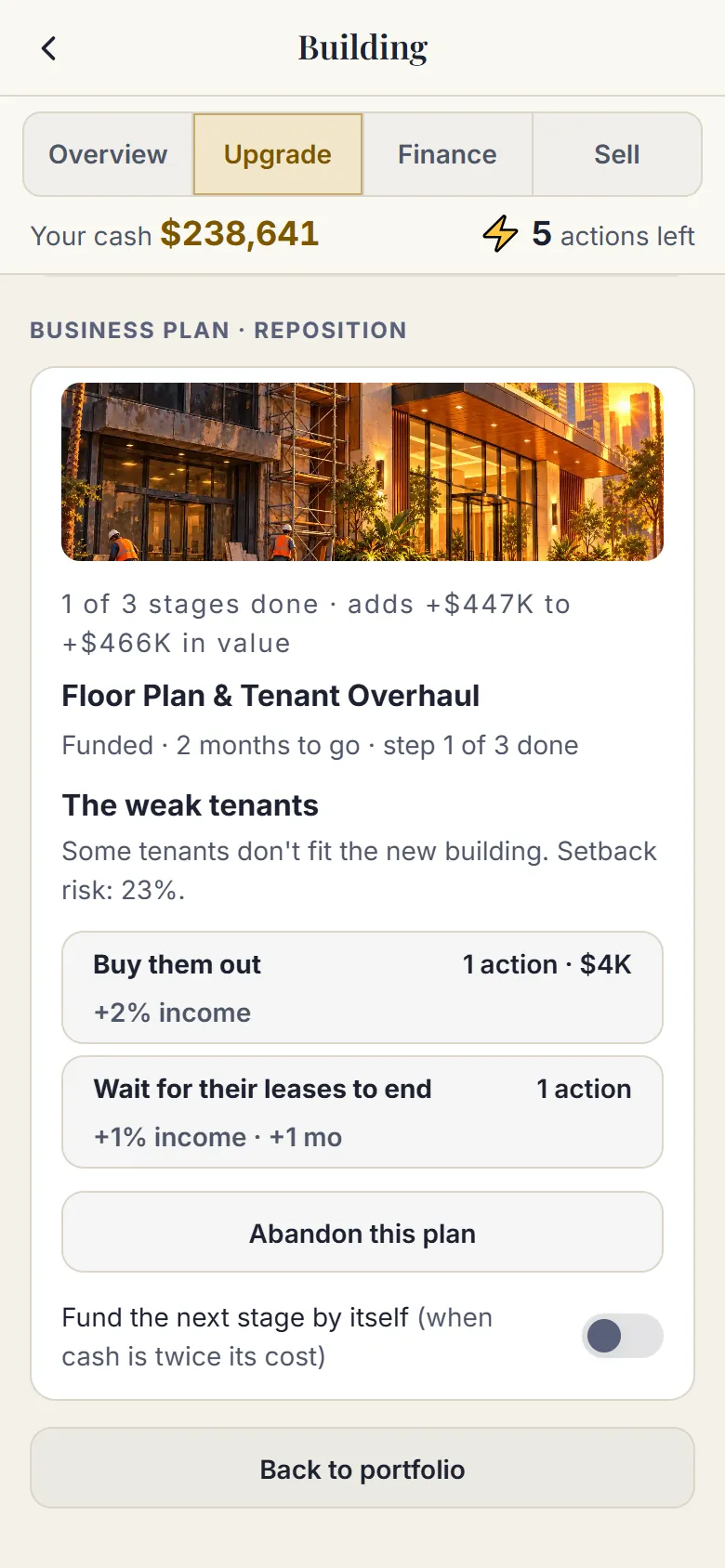
Business plans are a ladder: Fix-Up from the start, then Stabilize at Associate, Value-Add at Senior Broker, Big Lease-Up and Reposition at Managing Director, Redevelop at Partner. Each plan has stages you fund with cash and steps you work with actions, two choices a step. Bigger plans carry more risk: setbacks, stalls, and the choice to fast-track or walk away.
Then upgrade. Management and Curb appeal are open at first; Systems, Amenities, Tenants and Tech open after you buy 3, 6, 10 and 15 levels. Some levels cost actions, some cash, some both, and each one shows what it adds. Levels earn stars, and sets of starred buildings pay a bonus.
7 · Cash in
Refinance, or sell
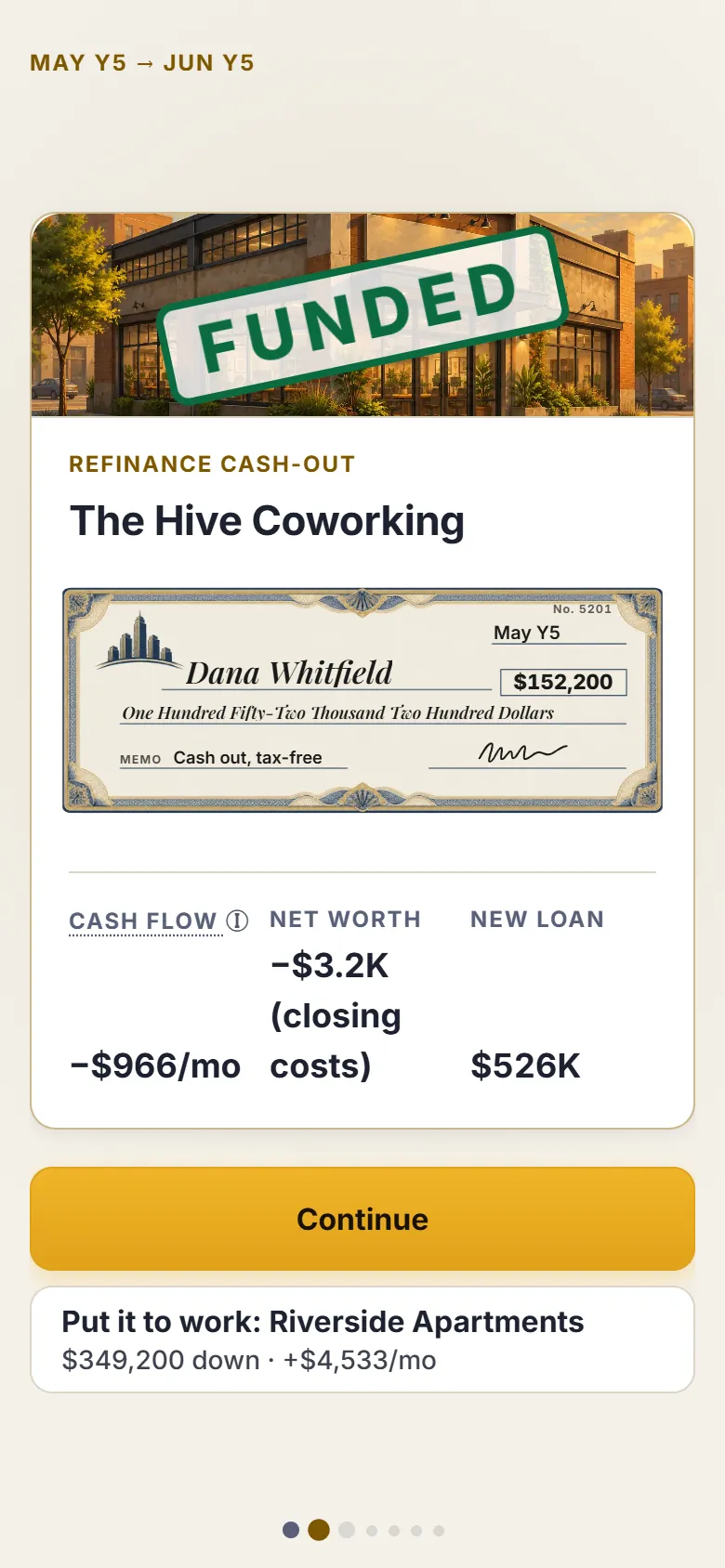
Once a building is full and earning, refinance it: a new, bigger loan against its new value, and the difference is yours, tax-free. A building can be refinanced twice.
Or sell. Every building shows what holding two more years is worth against selling today. A sale pays 4% in selling costs, then a capital-gains tax that falls the longer you hold, to 0% after 5 years. The windfall arrives as one big cheque.
8 · Month 120
Grow, and finish the decade
Promotions play on a full-screen stage, each with one new thing. Doing the work earns the rest as unlock cards, at most one a month, kept in your Playbook. Your best asset type becomes a career path with its own crest, and when your seats fill up you can hire a team.
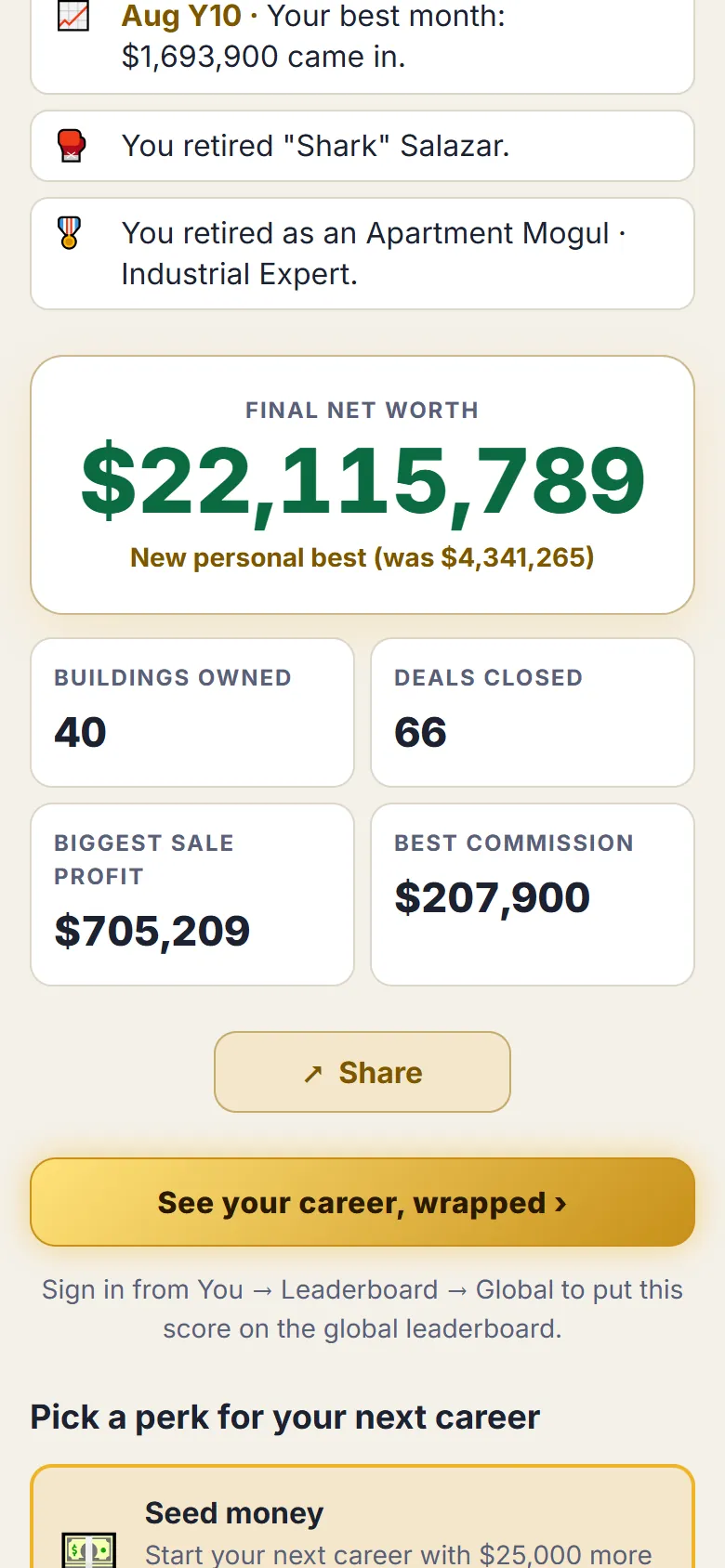
A career is 120 months, played at your own pace. Each year ends wrapped, and the last one counts down. Your score is your net worth, counted as what selling everything would pay. Post it to the global leaderboard, share your career, pick a perk, and start the next one.
On a phone or a desktop
The game was built for phones first. On a wide screen it opens up: the month's cards on the Desk, the card you're on in the middle, and your progress in a rail beside it. Hold buttons work with a mouse too: click once, then click again to confirm.
Try it on a real career
Free in your browser, on your phone or desktop. No download, no account.