
Player guide
Upgrades
Each building you own has 6 upgrade tracks. Every level pays off at once, and the levels add up to stars.
Updated October 20, 2026
The 6 tracks
Open a building in your Portfolio and you'll find its upgrades. Each track goes from level 0 to 5, and a level changes the building's real numbers the moment you buy it. What a level costs depends on who does the work: running the building better takes your time (actions), a contractor's job takes cash, and a tech install takes both.
| Track | Each level | Costs | Opens |
|---|---|---|---|
| 📋 Management | Costs ↓ 2% | 1 action | From the start |
| 🔧 Systems | Costs ↓ 2%, fewer repairs | Cash | Buy 3 upgrade levels |
| 🌳 Curb appeal | Value ↑ (cap rate −0.06%) | Cash | From the start |
| 🏋️ Amenities | Rent ↑ 2% | Cash | Buy 6 upgrade levels |
| 🤝 Tenants | Rent ↑ 2%, occupancy ↑ 2 pts (rent once full) | 1 action | Buy 10 upgrade levels |
| 📡 Tech | Costs ↓ 1.5%, rent ↑ 0.5% | Cash and 1 action | Buy 15 upgrade levels |
Tracks open as you use them
Only Management and Curb appeal are open at first. The others are earned by buying levels, on any of your buildings: Systems after 3, Amenities after 6, Tenants after 10 and Tech after 15 levels in all. Each arrives as an unlock card at the end of a month (see Unlocks and the Playbook).
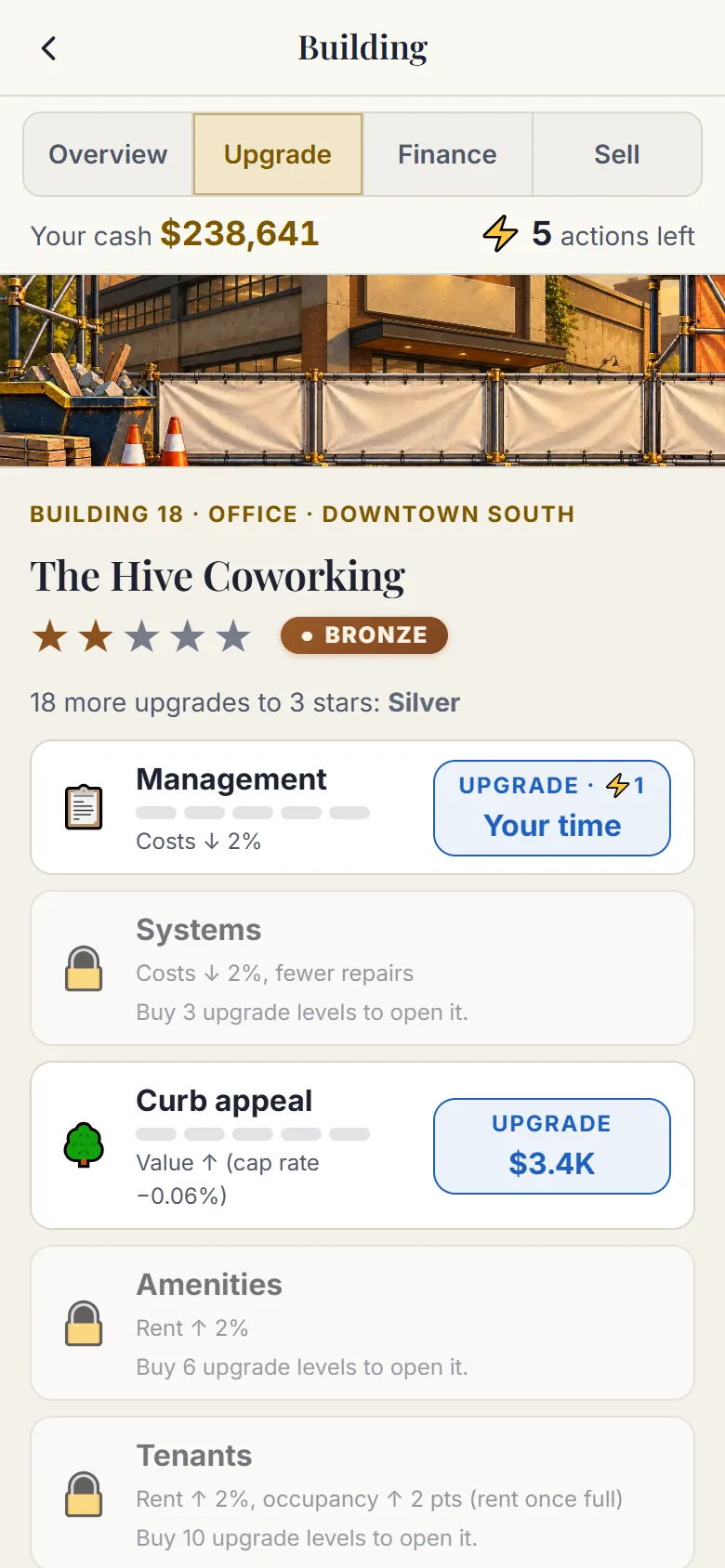
Lower costs and higher rent both raise NOI, the building's income after running costs. A lower cap rate means buyers pay more for the same income. Either way, the building is worth more. Systems also means fewer surprise repairs, and Tenants fills empty units right away.
Every level pays
Each level is priced against what it adds, and each costs more than the one before it. A first level returns about $1.53 of value for every dollar you spend, falling to about $1.04 at level 5: every level pays its cost back, the later ones only just. The button shows the price and what the level adds, so you always know what you're buying. Levels on a bigger building cost more, and add more.
That value shows up in your net worth, and it shows up again when you refinance or sell: a lender lends against the higher value, and a buyer pays for the higher income.
Stars and tiers
A building's stars are the average level across its 6 tracks, from one to five. A building never shows fewer stars than its class already earns it. Stars don't change the class: a business plan does that.
| Stars | Tier |
|---|---|
| ★ to ★★ | BRONZE |
| ★★★ | SILVER |
| ★★★★ | GOLD |
| ★★★★★ | OSMIUM |
Max out every track on a building and it becomes a trophy asset: buyers accept a lower cap rate for it, which lifts its value one more time.
Sets
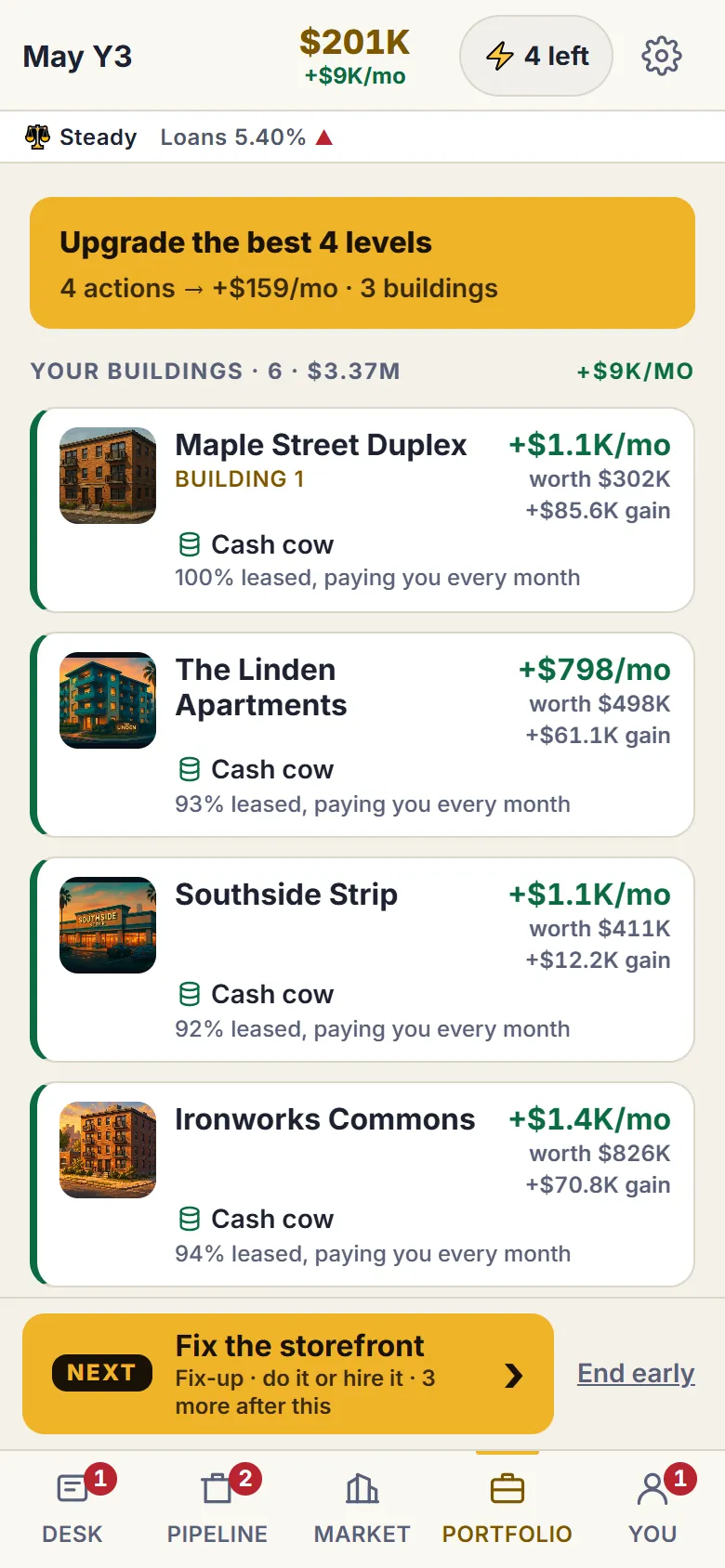
Your buildings also count toward sets. A finished set pays a bonus on top of the buildings' own levels:
- District set. Own at least three buildings in one district, all at three stars or more: +3% rent on your buildings there.
- Type set. Own at least three buildings of one type (for example, three retail), all at three stars or more: running costs on them drop 3%.
- Full house. Own a four-star building of every type, multifamily, retail, office and industrial: +5% value on all your four-star buildings.
The Portfolio tracks your progress on each set. A set counts every building you own in it, so buying a fourth building in a finished district set means bringing that one up to three stars too.
When to upgrade
- Fund the business plan first. A plan fills the building; upgrades make a full building pay more. See Business plans.
- Mind your actions. Management and Tenants levels take actions you could spend on calls and offers; cash tracks don't.
- Upgrade before a refinance. The lender appraises the building at its value on the day, so value added first is cash you can pull out.
- Spread levels to earn stars. Stars come from the average, so a building at level 3 on every track has more stars than one at 5 on a few.
- Upgrades stop once a building is sold and closing in escrow.
Try it on a real career
Free in your browser, on your phone or desktop. No download, no account.